AI Karaoke Maker for Your Next Sing-Along
Make room for your voice. This online karaoke maker brings vocal removal, editable lyrics, and a personal video design into one workspace, so your next sing-along sounds and looks like yours.
From a favorite song to a sing-along
Hear the song first, then play the paired karaoke example. A karaoke maker combines a backing track with readable, timed words, giving singers a clear place to enter and a screen they can follow.
Same passage · audio only
Karaoke video · timed lyrics
Watch how the highlight marks each entrance. When preparing your own song, check that line breaks and word timing leave singers enough time to follow.
A karaoke maker with room to fine-tune
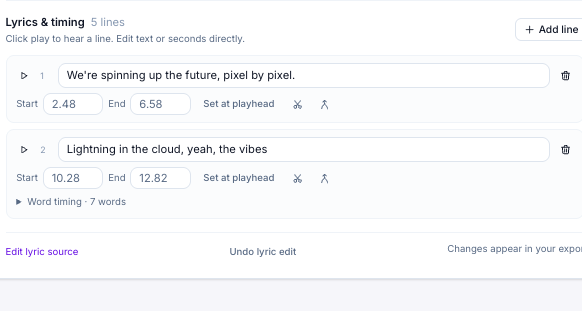
An AI karaoke maker with editable lyrics
Start with automatic word timing, or bring an LRC or SRT file you already trust. This AI karaoke maker lets you correct names, split long lines, and adjust entrances while listening, so the words follow the performance.
Open Karaoke Maker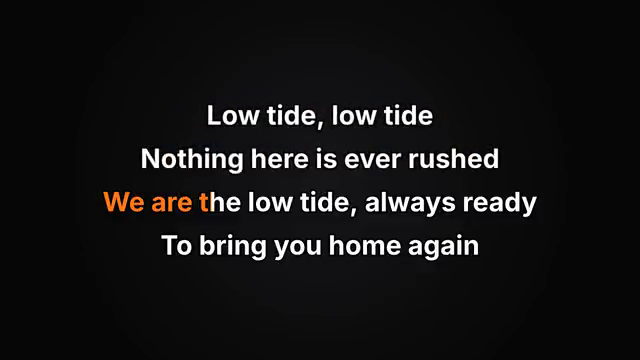
Color coded lyrics for a clear sing-along
Choose highlight colors, type size, alignment, and your own image or video background. The color coded lyrics maker shows the active words clearly; preview your choices against the music before committing to a finished karaoke video.
Open Karaoke Maker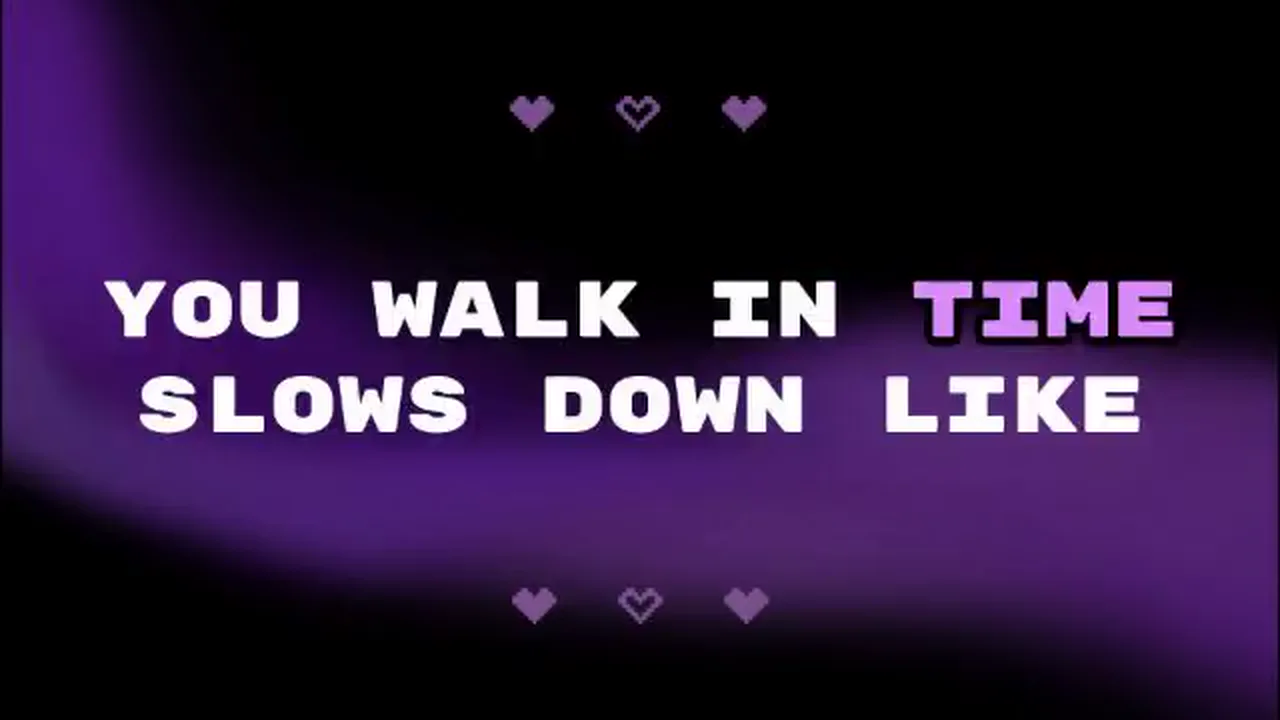
Take the version you actually rehearsed
Export the current mix and timing, rather than an earlier draft. The karaoke maker offers video for a shared screen, WAV audio for rehearsal, and LRC or SRT text when your next step needs a separate lyric file.
Open Karaoke MakerKeep the song. Make space for the singer.
The karaoke maker keeps the parts you need in one place: a backing track, words that follow it, and a preview you can change before the performance.
Practice the tricky parts
Use guide vocals to learn a difficult phrase, then lower them as you gain confidence. Your karaoke maker keeps the instrumental and guide mix together.
Bring lyrics you already know
Import synced text or paste your own words. The karaoke lyrics maker lets you work manually when an automatic transcription needs correction or is unnecessary.
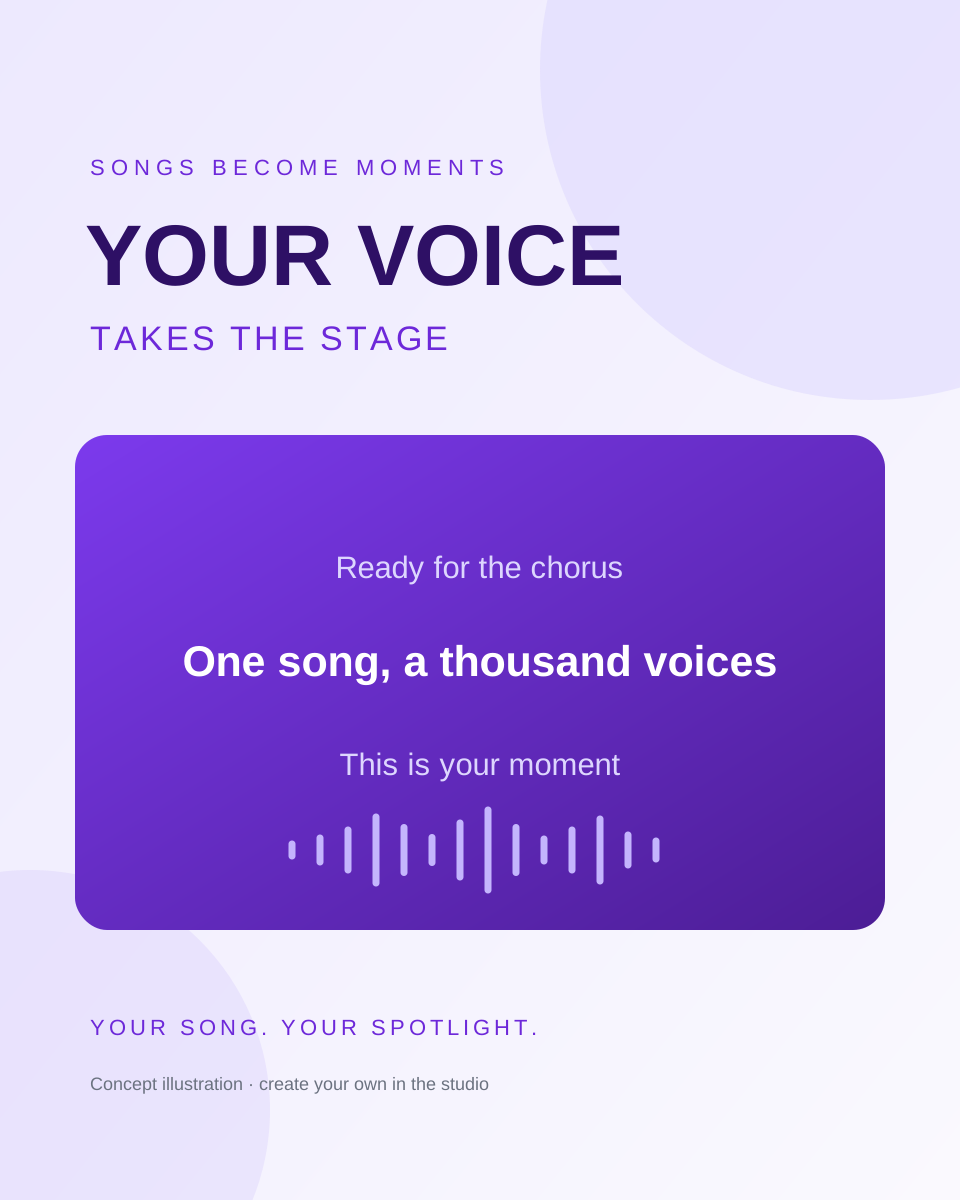
Fit the screen you will use
Choose landscape for a shared display, portrait for a phone, or square for a post. Check lyric size in the karaoke maker before exporting.
Keep control after processing
Keep editing after processing. Save your karaoke maker project to your verified account, then reopen the latest version without running automatic detection or separation again.
How to make a karaoke video
Make a karaoke videoBring your own song
Open the karaoke maker and upload an audio or video file you may use. Choose a track up to ten minutes and twenty five megabytes.
Prepare the sing-along
Remove vocals, detect or import lyrics, and listen through the timing. Adjust your guide mix and preview the design in the karaoke maker.
Export and start singing
Choose your format, resolution, and export range. Keep the tab open while the karaoke maker renders the video locally, then download your finished file.
Keep the vocals? Make a lyric video.
Karaoke maker questions, answered
Yes. Upload a song, paste lyrics or import an LRC or SRT file, adjust timing, and export in your browser. These manual steps need no processing credits. If you already have an instrumental, use it directly in the karaoke maker and skip vocal separation.
An AI karaoke maker detects timed words and separates vocals using processing credits. This karaoke generator keeps both results editable. Review the words, adjust the guide vocal mix, and preview the design before export. With your own instrumental and timed lyrics, you can also prepare a project manually.
Results depend on the recording. Dense mixes, reverb, harmonies, and overlapping instruments can leave audible traces or affect the backing track. Listen to the separated audio before you perform. The karaoke maker includes guide vocal control, but it cannot guarantee a studio instrumental from every song.
Use this song to karaoke converter with MP3, WAV, M4A, FLAC, MP4, or WebM that your browser can decode. Each source must be no larger than twenty five megabytes and no longer than ten minutes. Files without an audio track cannot be processed.
Automatic lyrics cost one credit per started input minute; vocal separation costs four. A five minute track uses twenty five credits for both. The karaoke maker shows each operation separately. Editing, previewing, and local export cost no processing credits, and there are no free automatic processing credits.
Yes. Treat detection as a draft, especially for names, accents, or dense music. In the karaoke maker, change the text, adjust line and word timing, split or merge lines, and use undo. Listen through the corrected passage; those changes are included in the video you export.
Download a video with your current lyrics and mix, a WAV audio file, or timed lyrics as LRC or SRT. Video export uses MP4 when the browser supports its encoder, with WebM as the fallback. The karaoke maker offers 720p and 1080p settings; encoding time depends on your device.
The karaoke maker keeps a draft in this browser. With a verified account, choose Save to account to store your latest complete project for this mode, up to 64 MB, for 30 days. Use Open account project to reopen it on another device. Save again after editing and download finished outputs for safekeeping.
Only upload and publish material you own or have permission to use. Removing vocals or adding timed words does not grant music rights. The karaoke maker creates files you can download; check the permissions for the song, background image, and any platform where you intend to share them.

Your next sing-along starts with one song
Open the karaoke maker, bring your track, and shape a version you will enjoy singing. Start manually or use credits for automatic processing.
Make a karaoke video