AI Lyric Video Maker for Your Original Music
Let listeners follow every word. This AI lyric video maker pairs your original audio with editable timing, highlight colors, and your own background, so you can prepare a lyric release or a clip for your audience.
Hear the music. See the words.
Play the audio, then see that same passage as a lyric video. A lyric video maker gives listeners a visual way into the song, while the original voice and music remain part of the experience.
Same passage · audio only
Lyric video · words on screen
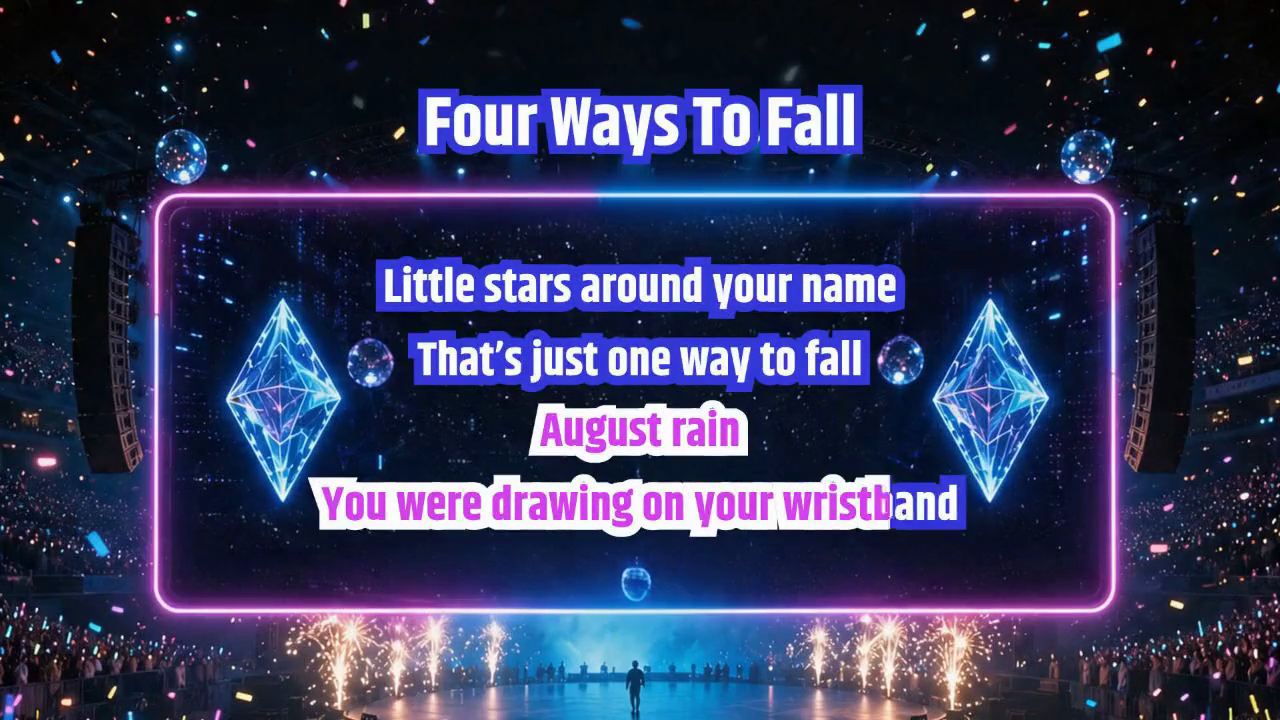
Watch the words against the changing background. For your own video, preview a busy passage and check that text stays readable as the scene changes.
A lyric video creator that leaves you in control
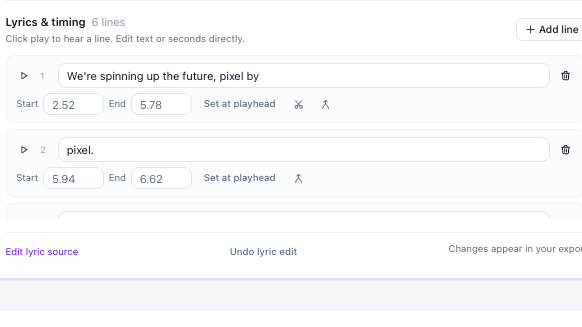
An AI lyric video maker you can edit
This AI lyric video maker detects words and timestamps from your audio, then lets you correct the details that matter. Fix a misheard phrase, adjust an entrance, or split a long line while listening, without starting the project over.
Open Lyric Video Maker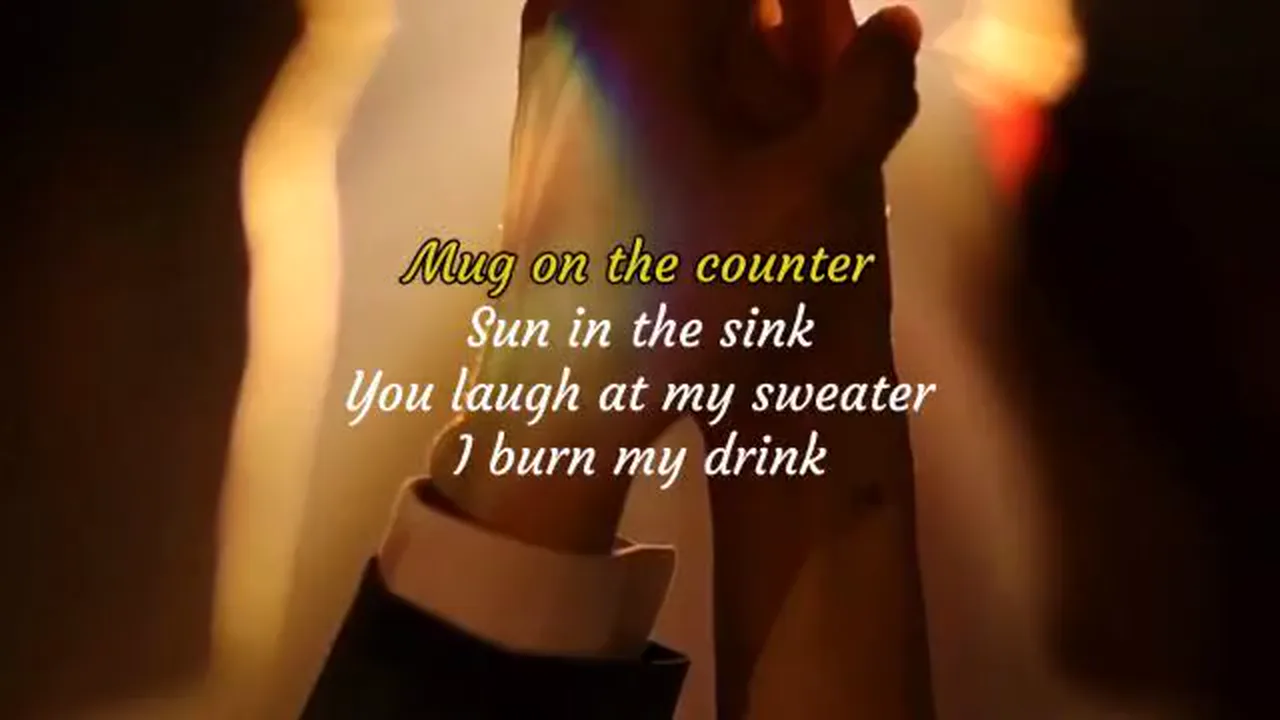
Add lyrics to video with your own atmosphere
Keep your source video as the background, or choose a separate photo or video that suits the song. The lyric video maker lets you place readable words over it and preview how the composition feels with your original music.
Open Lyric Video Maker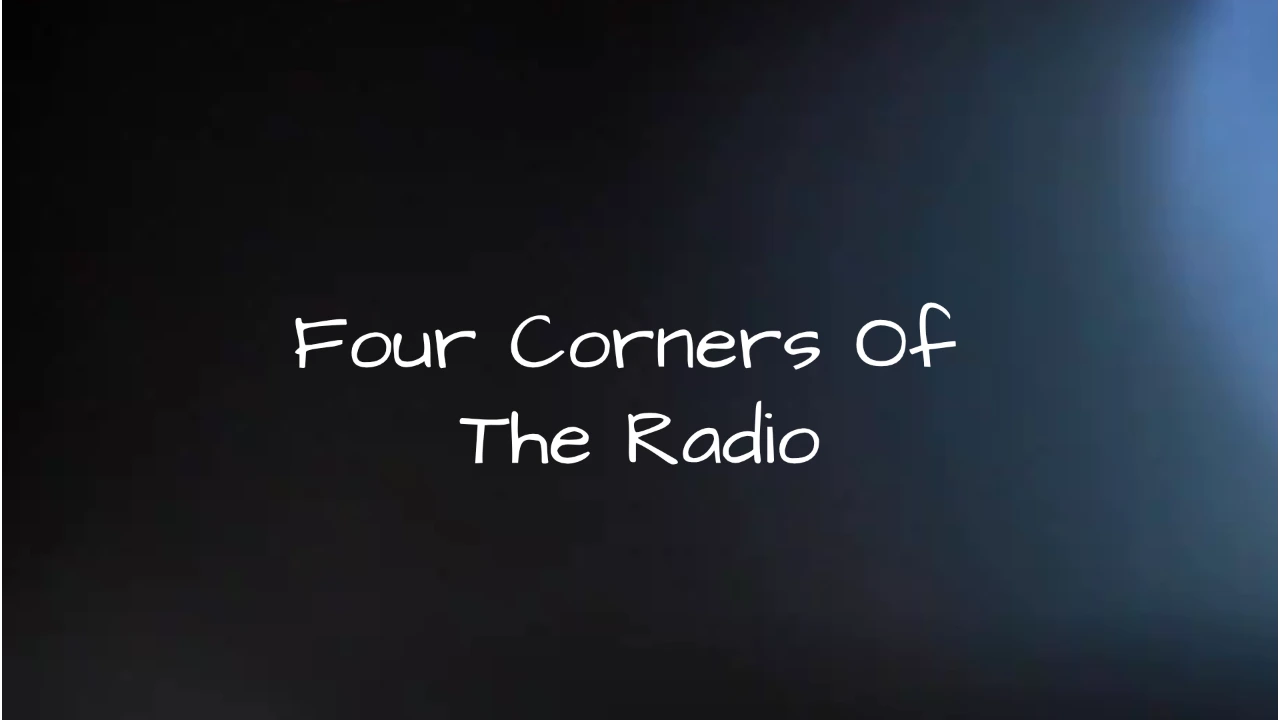
Export for the way people watch
Choose landscape, portrait, or square, and preview the framing before rendering. The lyric video maker exports the current design and original audio together. Download separate LRC or SRT files as well when you need the timing for another workflow.
Open Lyric Video MakerA song people can read, feel, and remember
The lyric video maker connects the sound, words, and visual mood in one project, giving independent musicians and music lovers a practical place to finish their idea.
Keep the original performance
Your voice stays in the song. The lyric video maker uses original audio, making it suitable for lyric releases and clips where the performance matters.
Start with the text you trust
Paste lyrics or import a timed file instead of detecting them again. The lyric video maker gives existing LRC and SRT work a visual home.
Make revisions that carry through
Change a phrase or adjust its timing, then export the updated project. Your lyric video maker preview reflects the words and design you are preparing.
Return to your own workspace
Keep a browser draft while you edit. Save your lyric video maker project to a verified account to reopen the latest saved version on another device.
From a song to an AI lyric video
Create a lyric videoUpload the original performance
Open the lyric video maker and choose your audio or video. Bring a file up to ten minutes long and twenty five megabytes in size.
Sync the words and set the mood
Detect timed words or import your lyrics. Review the timing, choose a background, and adjust the lyric video maker style while listening to the track.
Preview, render, and download
Check the framing and text, select your export range, and render locally. Keep the lyric video maker tab open until your video download is ready.
Making a sing-along instead? Try Karaoke Maker.
Lyric video maker questions, answered
A lyric video maker keeps the original vocals and adds words people can follow. Karaoke usually removes the lead voice for singing along. Choose this workspace when the performance belongs in the finished video. For an instrumental sing-along, use the separate karaoke maker linked on this page.
Yes. Paste your lyrics or import an LRC or SRT file, then check the timing against your audio. Manual editing and browser export use no processing credits. This lyrics video maker can start from work you already have, with automatic transcription available as an optional paid operation.
An AI lyric video generator detects words and timestamps from your existing song. Review the draft in the lyric video maker, correct phrases, and style the screen before exporting with original audio. If you already have timed text from another video lyrics generator, import its LRC or SRT file instead.
Choose a highlighting or fading style, then match the words to the performance. Adjust colors, type size, and placement in the lyric video maker. A moving video background can add atmosphere. Preview the busiest passage first so the words remain readable over both light and dark frames.
Yes, when your browser supports its media format. Upload the video as your source and keep its visuals behind the lyrics, or choose another background separately. The lyric video maker uses the original audio for playback and export. Check portrait framing carefully if your source video was recorded in landscape.
Detection costs one credit per started input minute, so a five minute track uses five credits. The lyric video maker shows the cost before processing. No credits are charged for importing timed text, editing, previewing, or rendering locally. Automatic processing requires a verified account and a sufficient credit balance.
Yes. Change words, move timestamps, split or merge lines, and use undo while reviewing the music. The lyric video maker applies those edits to the video and timed text exports. Download LRC or SRT when you want to reuse the timing, without needing to run automatic detection again.
The lyric video maker offers landscape, portrait, and square layouts at 720p or 1080p. Export uses MP4 where the browser supports the required encoder, otherwise WebM. Rendering runs on your device, so longer songs and higher resolutions take more time and memory. Keep the tab open until export finishes.
The lyric video maker keeps a browser draft as you edit. With a verified account, Save to account stores the latest complete project for this mode, up to 64 MB, for 30 days. Choose Open account project on another device to continue from that saved version. Save again to include later edits, and download finished videos for safekeeping.

Make your words part of the performance
Open the lyric video maker and bring a song worth following. Shape the timing, choose the mood, and export a video that feels like yours.
Create a lyric video